▦
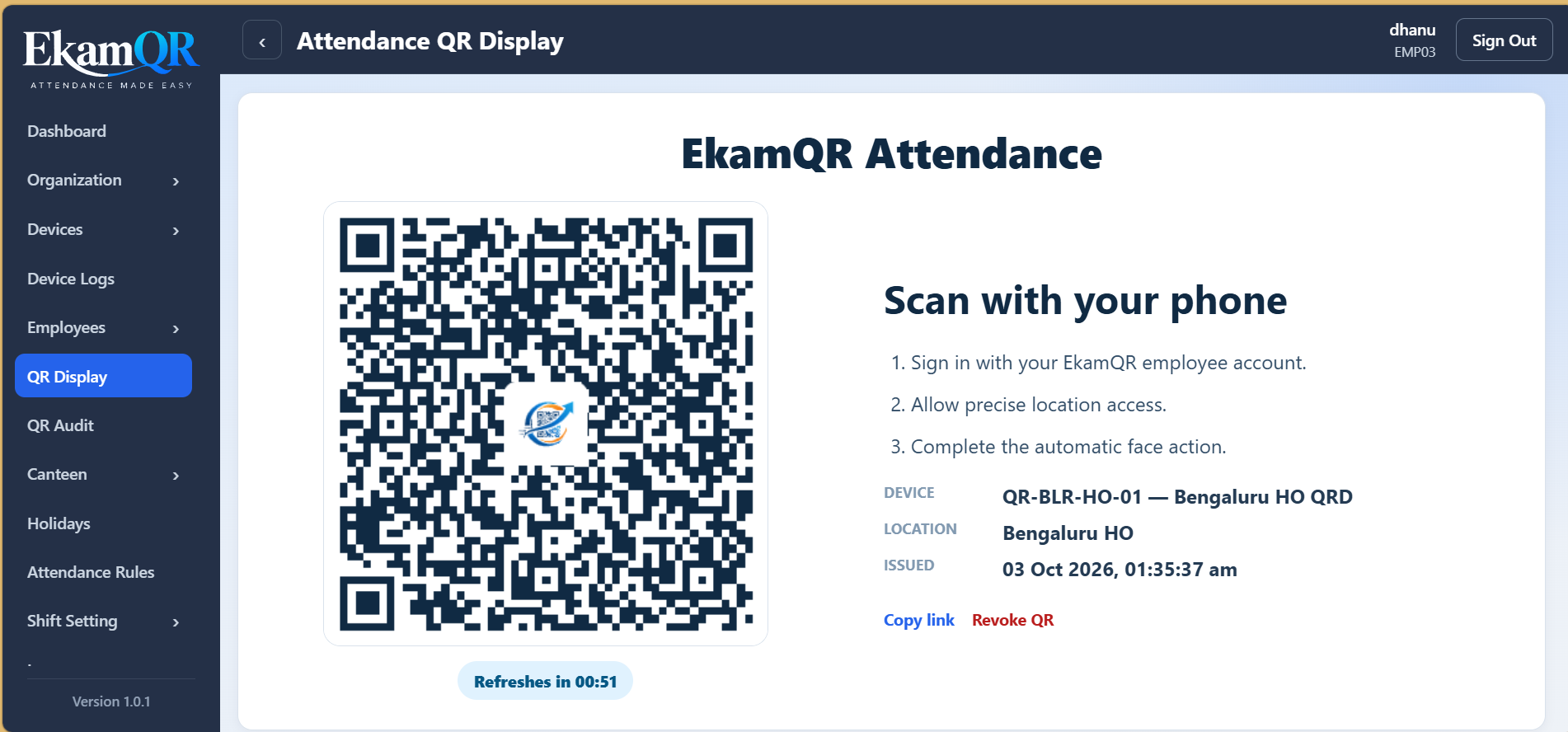
Scan the QR
A time-bound QR session starts the attendance verification securely.
Smarter attendance without installing a dedicated fingerprint terminal at every location. EkamQR combines dynamic QR, fingerprint verification, location validation and centralized workforce management in one modern platform.
 Attendance
A modern attendance flow should not make employees read instructions and press multiple confirmation buttons. EkamQR automates the verification journey.
A time-bound QR session starts the attendance verification securely.
Confirm that the employee is at an authorized attendance location.
The employee confirms identity using the configured fingerprint verification flow.
Successful verification creates the attendance record and shows the result immediately.
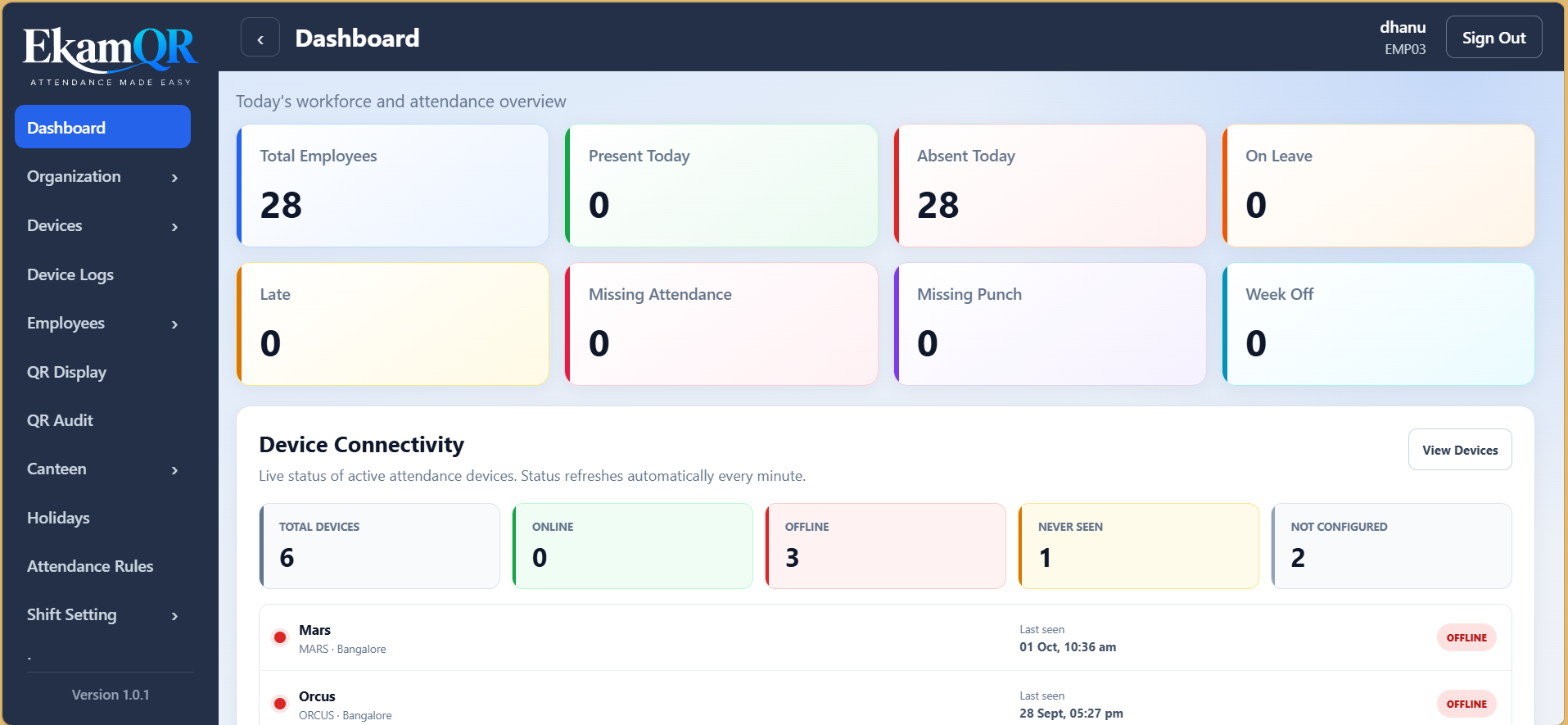
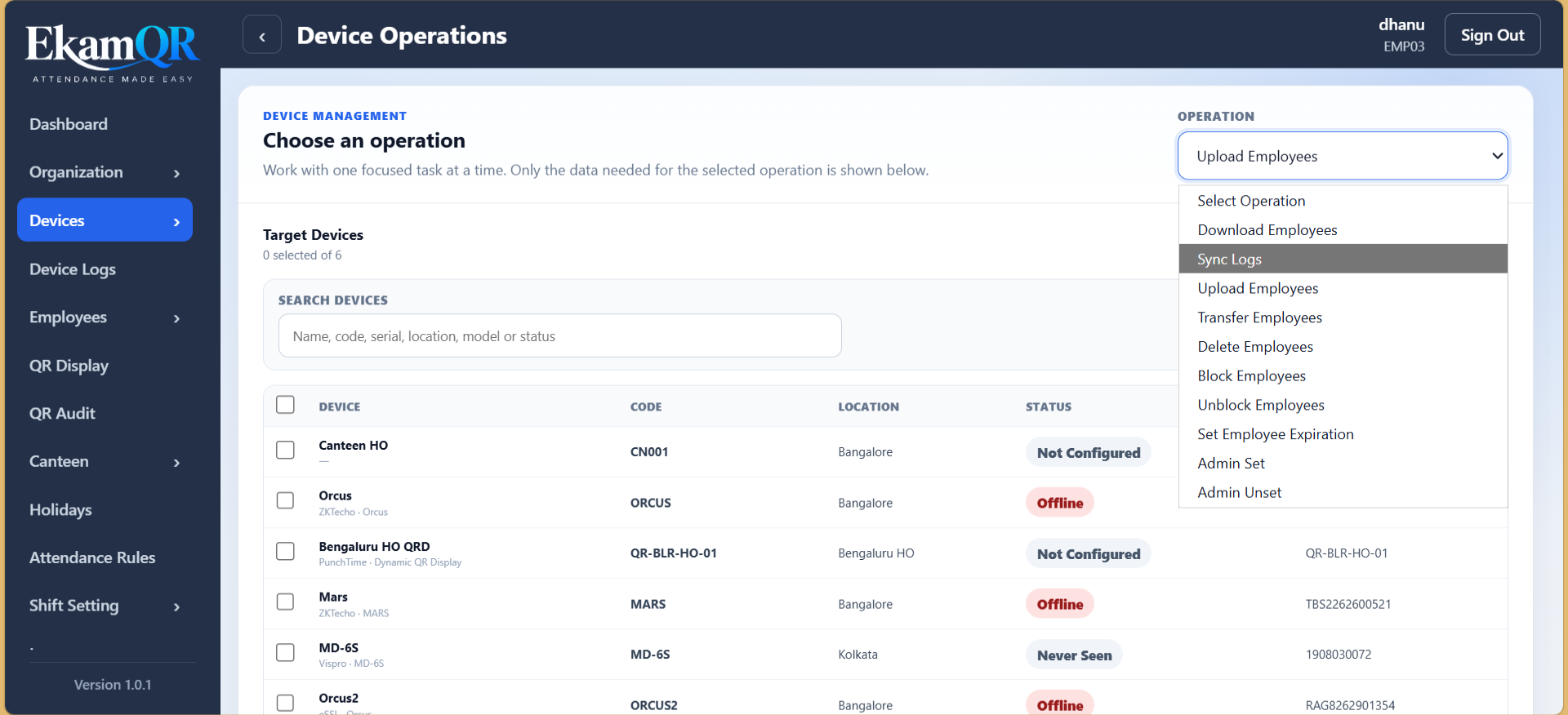
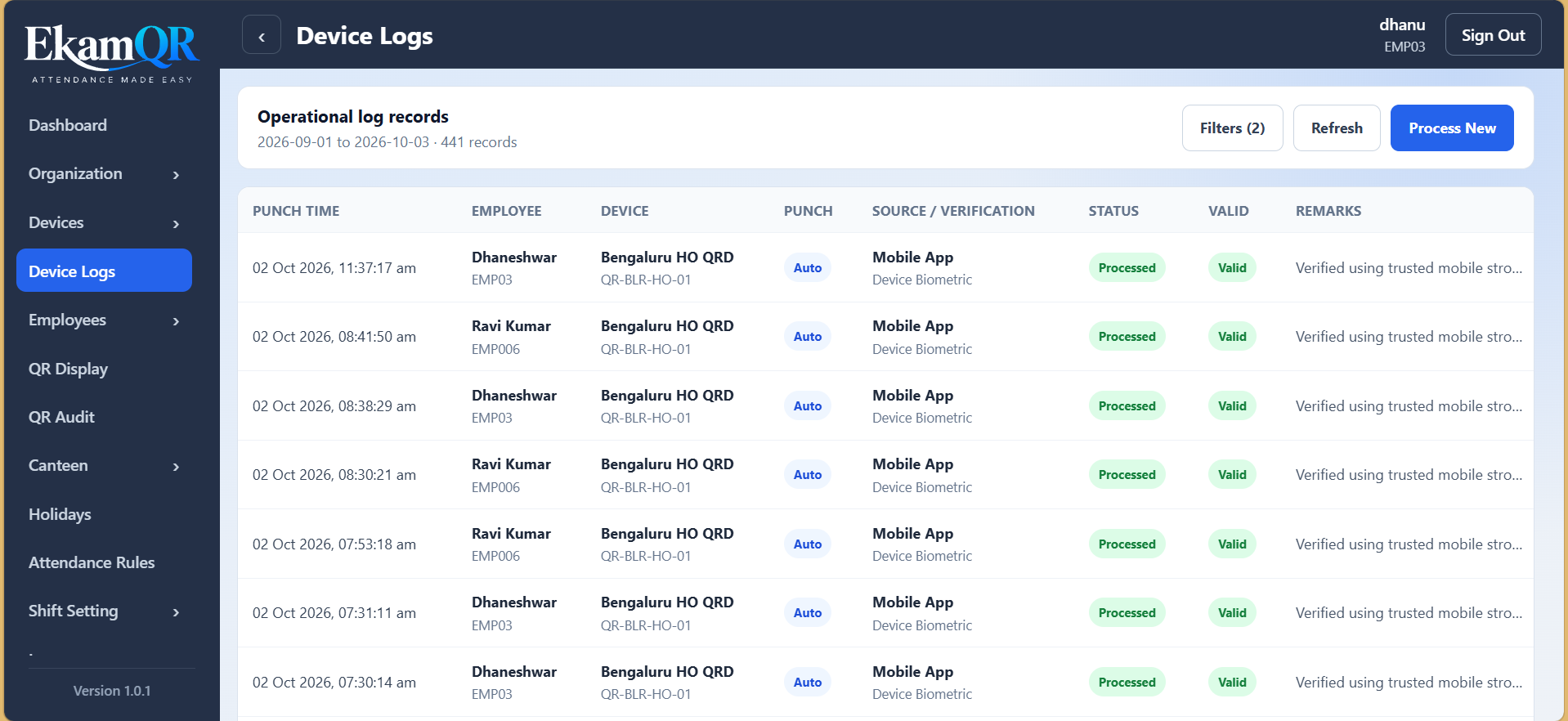
EkamQR brings attendance, people, policies, reporting and workforce operations into one centrally managed system.
Dynamic QR sessions, location validation, fingerprint verification and attendance audit records.
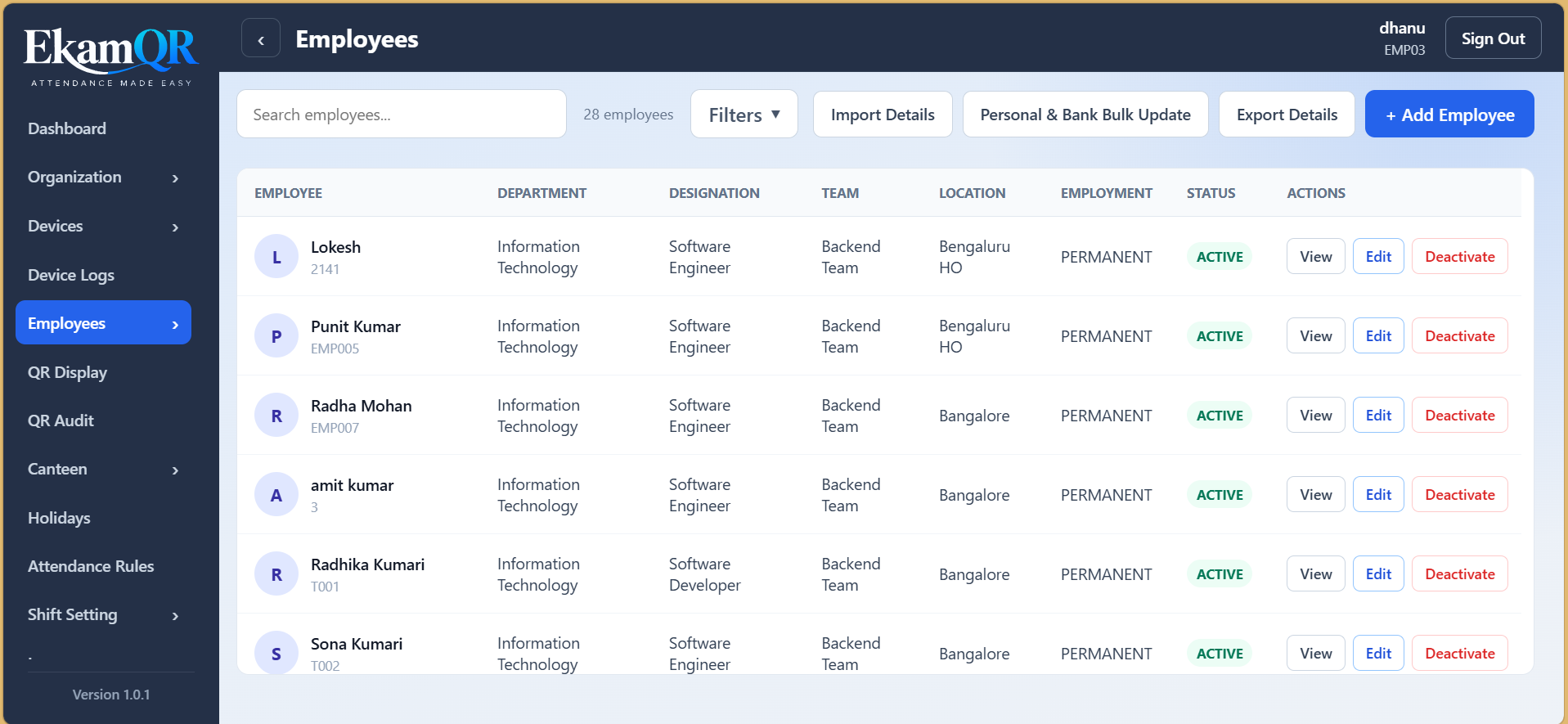
Maintain employee profiles, organization placement, assignments and workforce status.
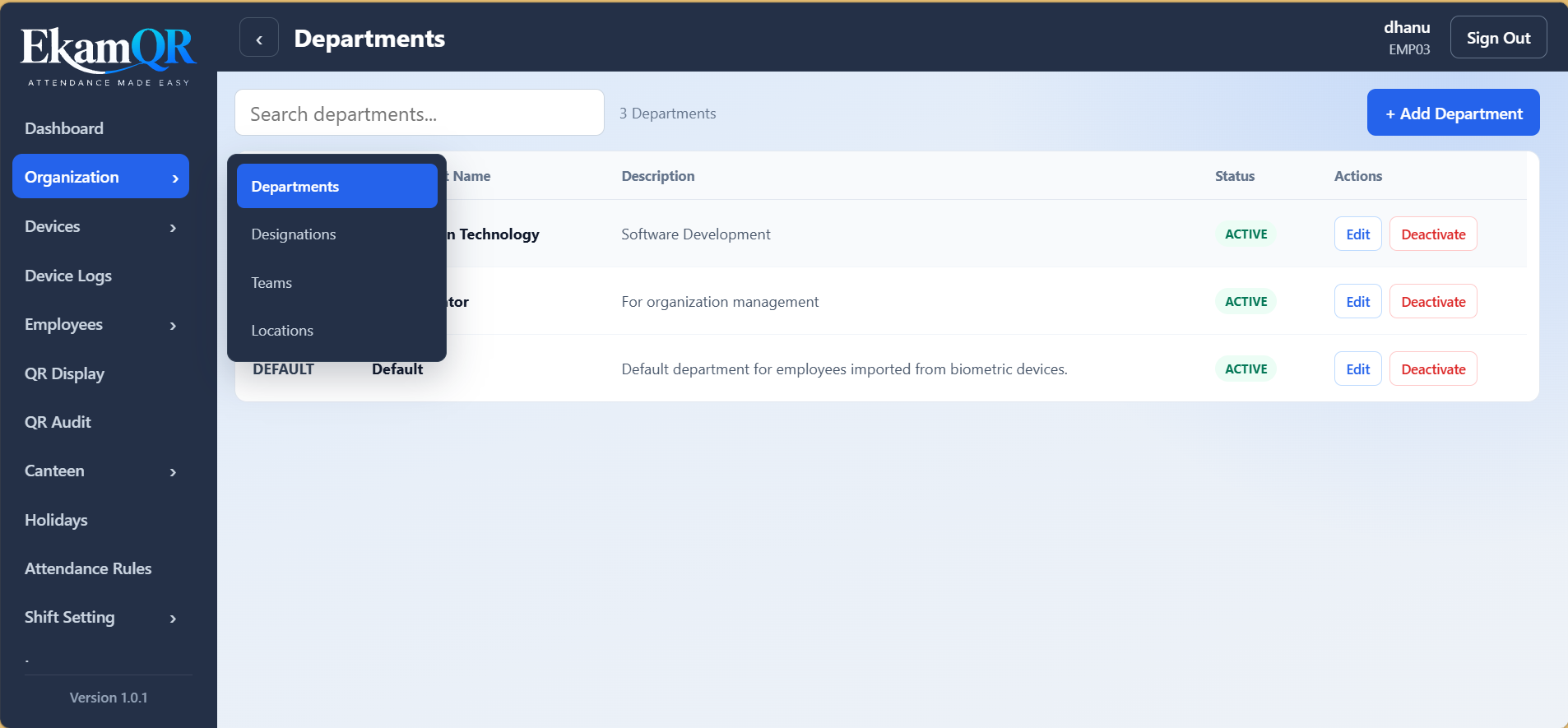
Departments, teams, designations and multiple work locations.
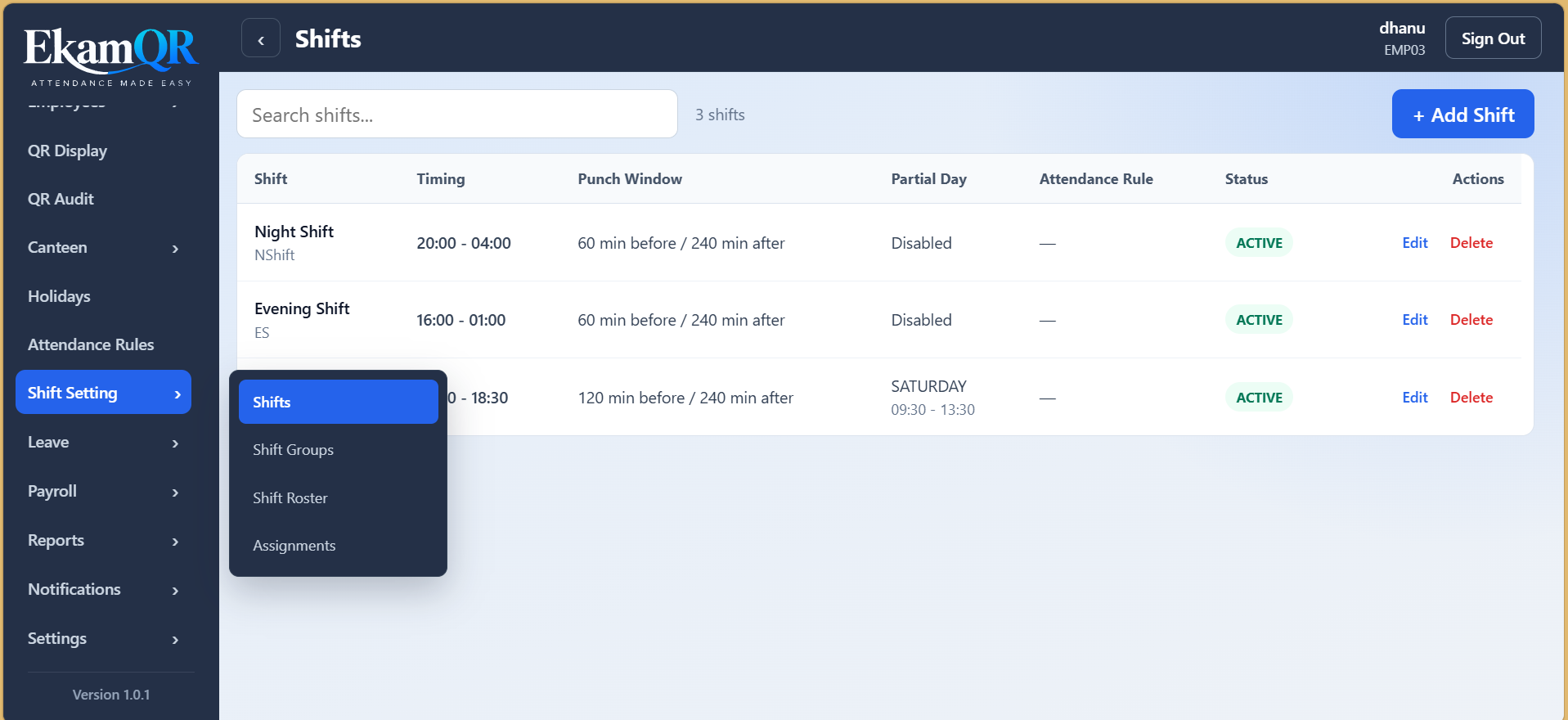
Shifts, groups, scheduler and employee shift assignments.
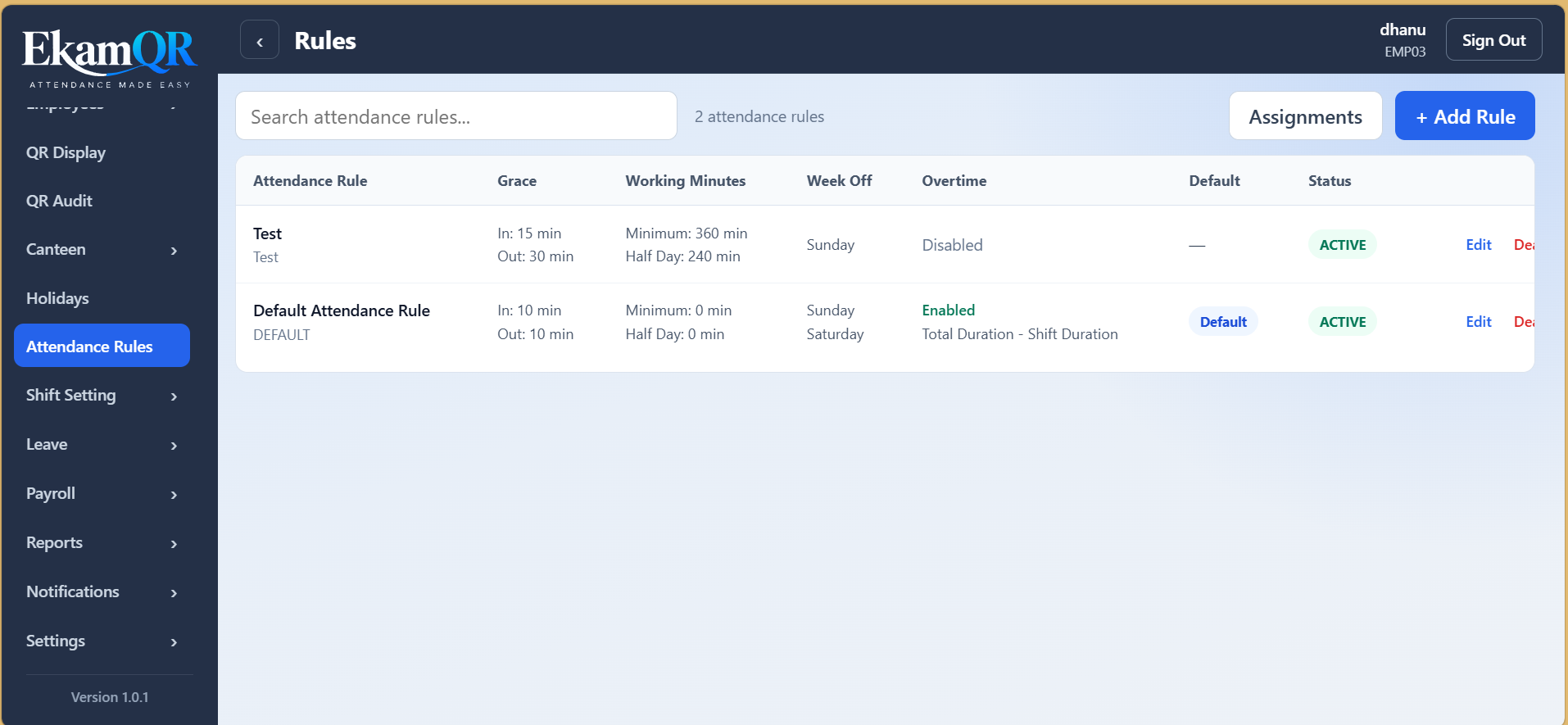
Configure attendance policies and assign rules by workforce context.
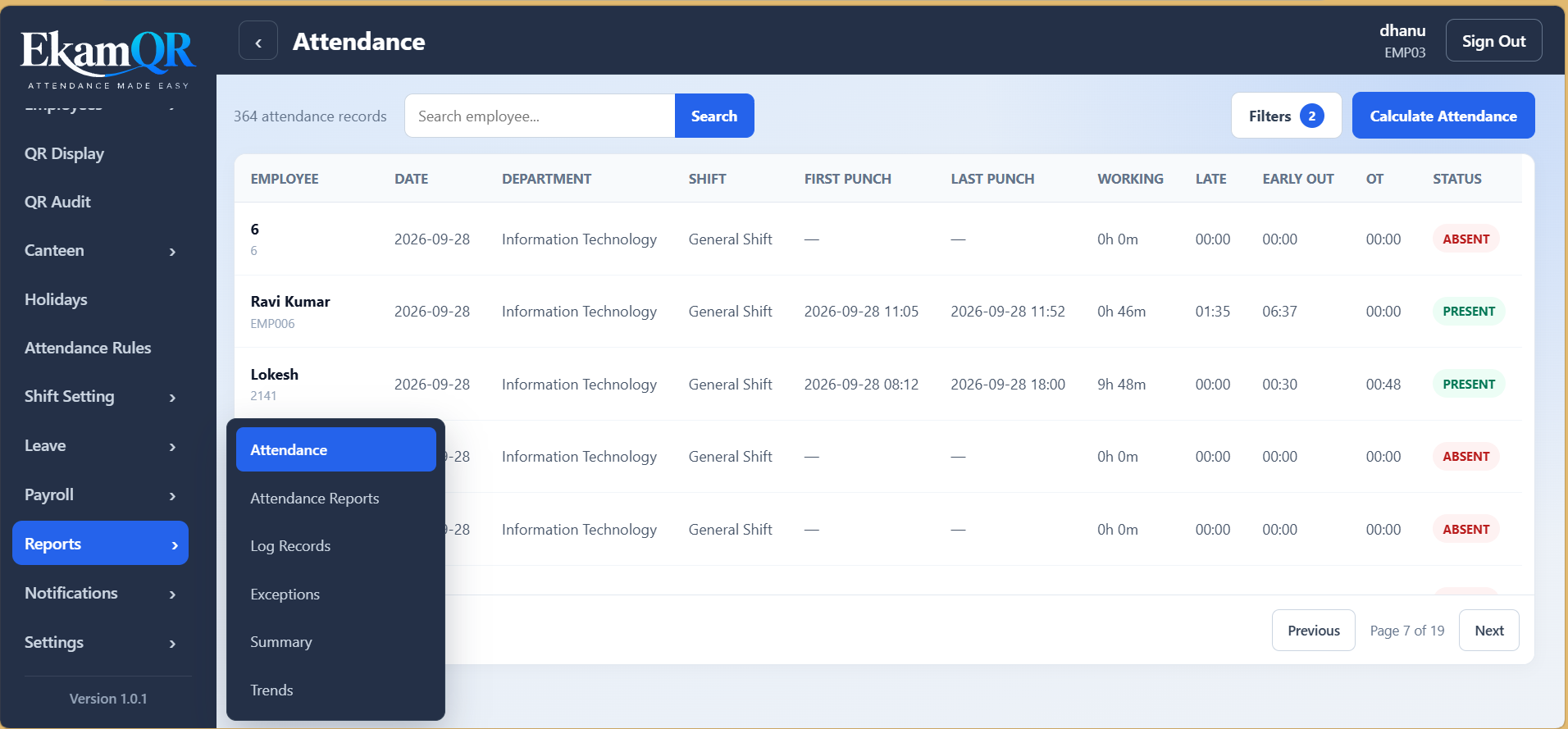
Daily and monthly attendance reporting, configurable columns, saved preferences, exception analysis and export-ready workflows.
Leave requests, types, balances and company holiday management.
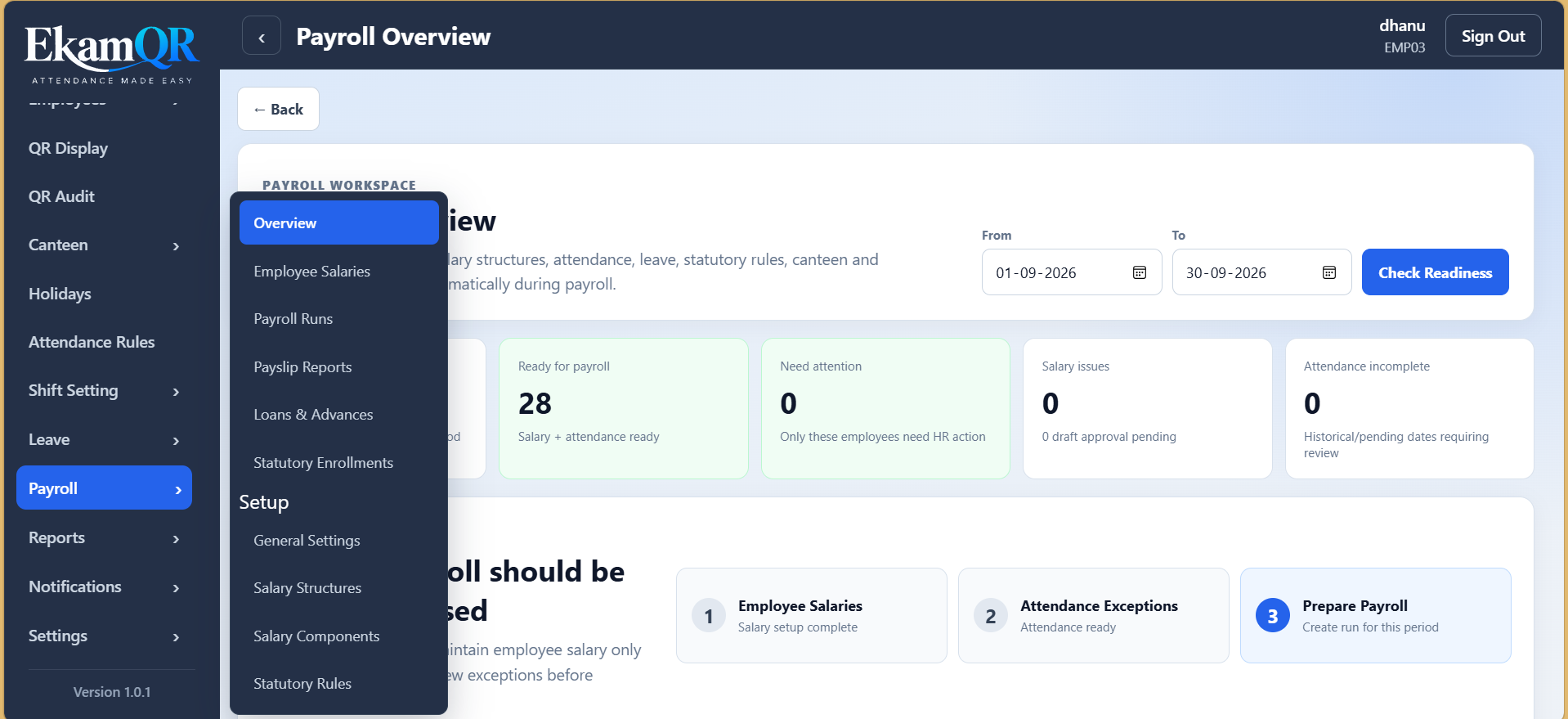
Salary structures, components, statutory rules, recoveries and payroll runs.
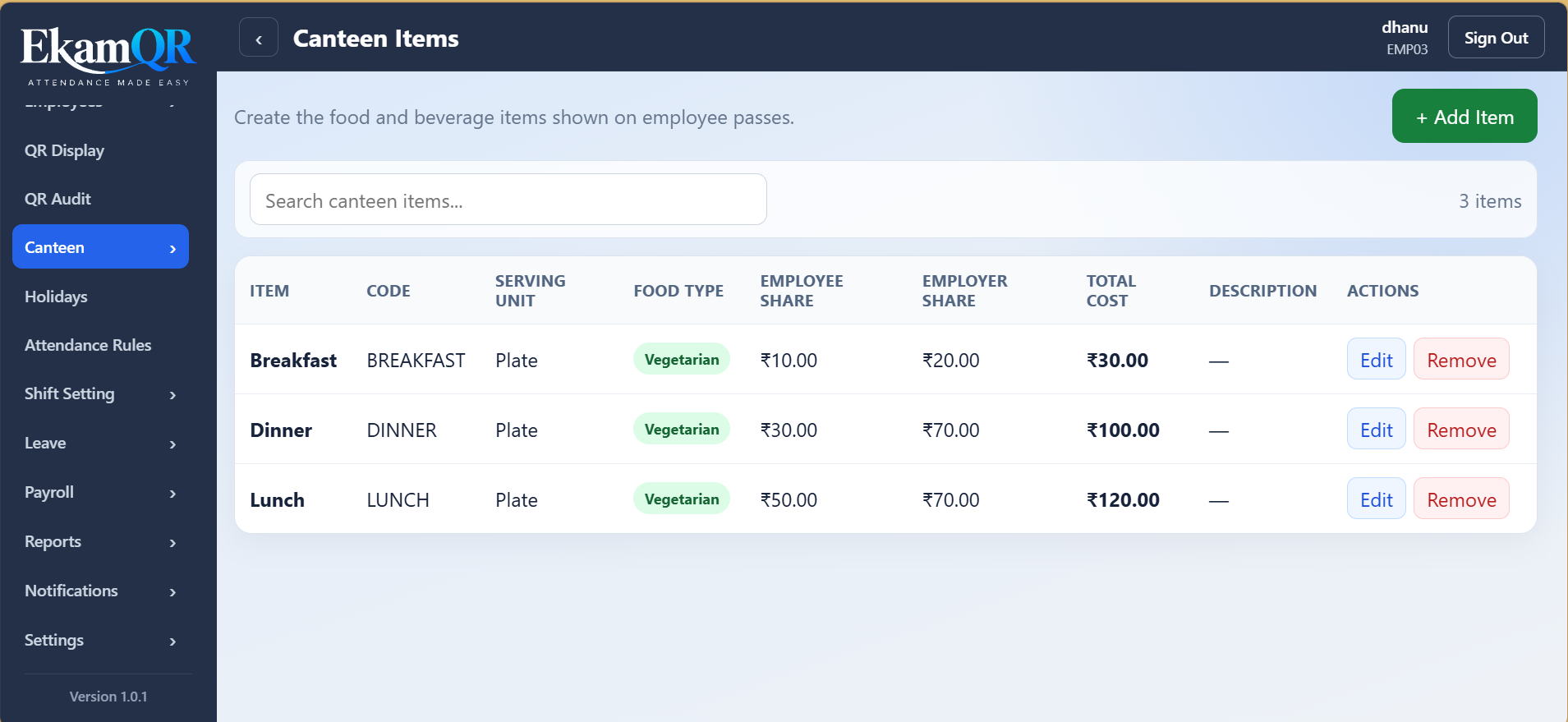
Meal items, timing windows, QR-based canteen passes and usage reports.
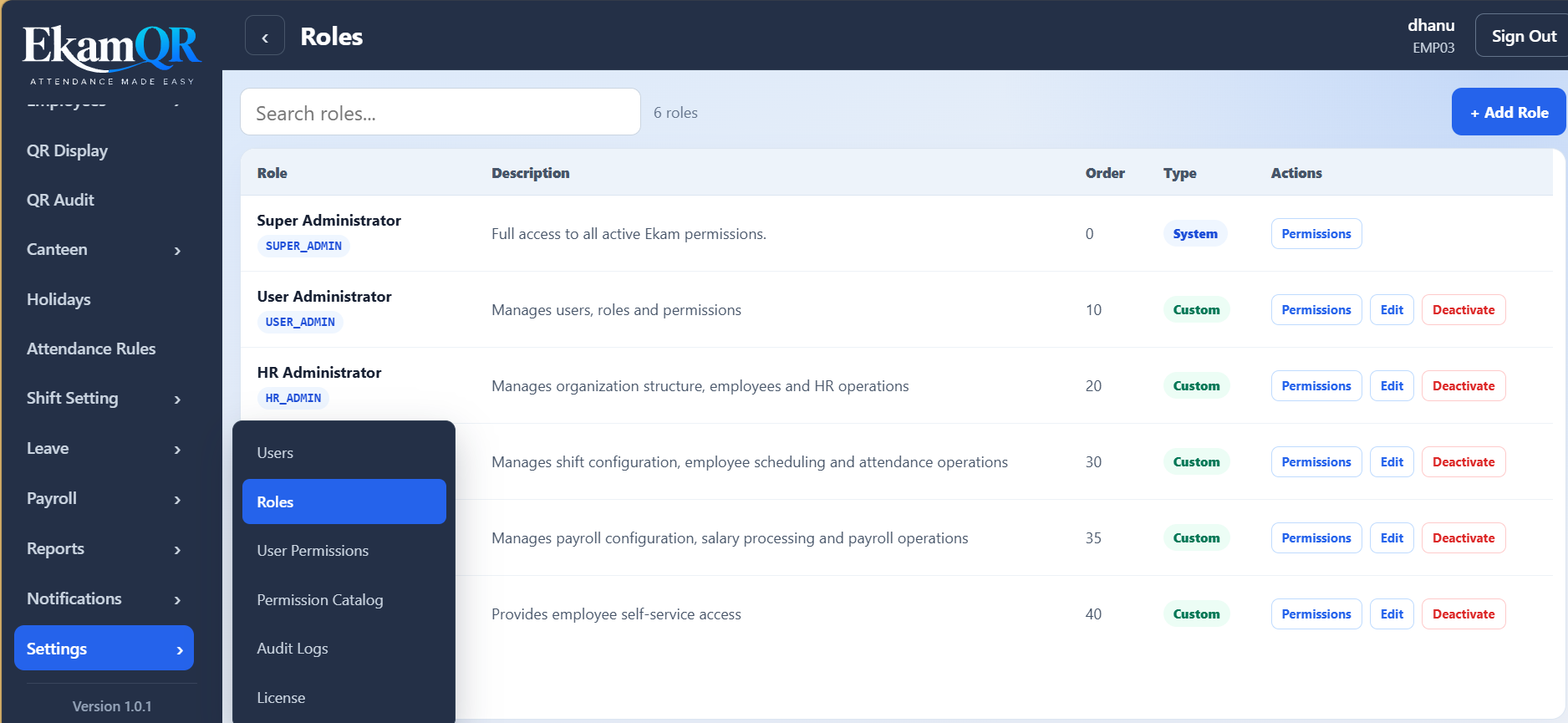
User roles, granular permissions, overrides and administrative audit visibility.
Product capabilities evolve continuously. Module availability can vary by deployment or plan.
A QR code alone should never be the entire identity decision. EkamQR combines multiple verification signals and keeps evidence for operational review.
Time-bound QR sessionsQR sessions include issue and expiry timing rather than acting like permanent attendance links.
Revocable sessionsAn active QR session can be revoked when it should no longer be accepted.
Location contextAttendance can validate the employee against an authorized location and record distance context.
Fingerprint verificationIdentity can be confirmed through the configured fingerprint workflow after the QR and location checks.
Trusted device contextAttendance can use trusted-device controls alongside the configured verification workflow.
Attempt audit trailVerification attempts can retain status, timing, failure reason, device, session and location information.
Verification controls depend on the configured device, mobile workflow and deployment policy.
Use your own assumptions below. We do not hard-code a marketing savings percentage—the calculator shows an illustrative comparison from the numbers you enter.
This comparison does not include EkamQR subscription pricing, connectivity, optional camera-device purchases, or every customer-specific operating cost.
Get a tailored TCO estimate →Traditional biometric terminals can still be a good fit for fixed, specialized environments. EkamQR is designed for organizations that want easier expansion and less dependency on dedicated attendance hardware.
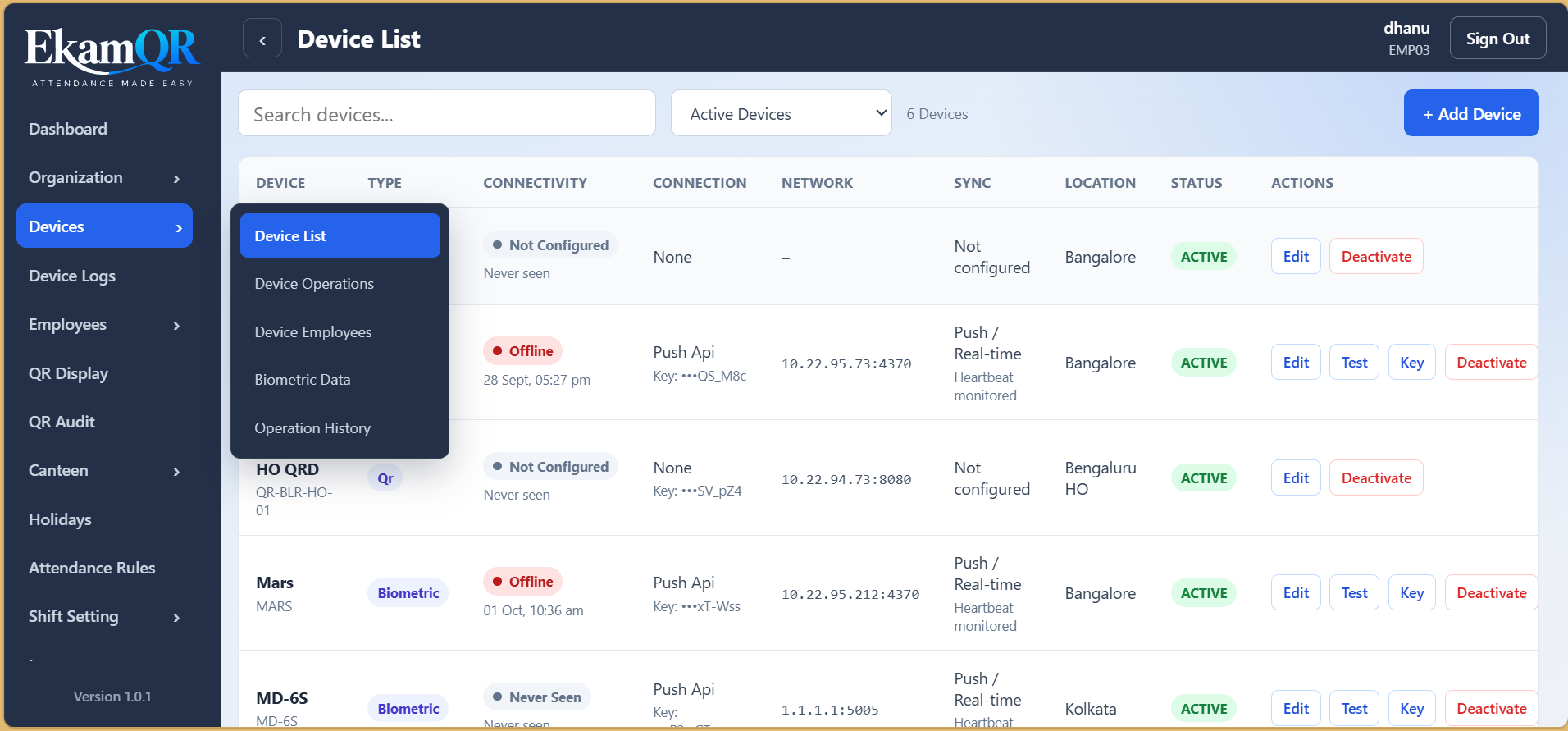
Yes. The current mobile attendance workflow can use fingerprint verification, while supported biometric devices can continue to capture attendance through their configured methods.
No. A supported camera-capable device and connectivity are still required. The aim is to reduce specialized attendance-machine dependency, not to claim that physical hardware disappears completely.
The intended QR + fingerprint workflow does not rely on the QR alone. It can validate session state and expiry, location context and configured biometric verification before recording attendance.
Yes. The product is designed around managed organization locations and employee location assignments, making it suitable for multi-location attendance workflows.
That depends on your present device count, installation model, maintenance cost, expansion plans, software pricing and existing devices. EkamQR should be evaluated with a customer-specific total-cost-of-ownership calculation instead of a generic savings percentage.
Explore QR + fingerprint attendance, device integration, reports and workforce operations with a guided product demonstration.